Why some people choose
an offline
password manager.
Cloud password managers are useful when you want sync, sharing, recovery, and access across every device. But not everyone wants that model. Some people want one private vault that stays on one iPhone and does not depend on an account or a remote service.
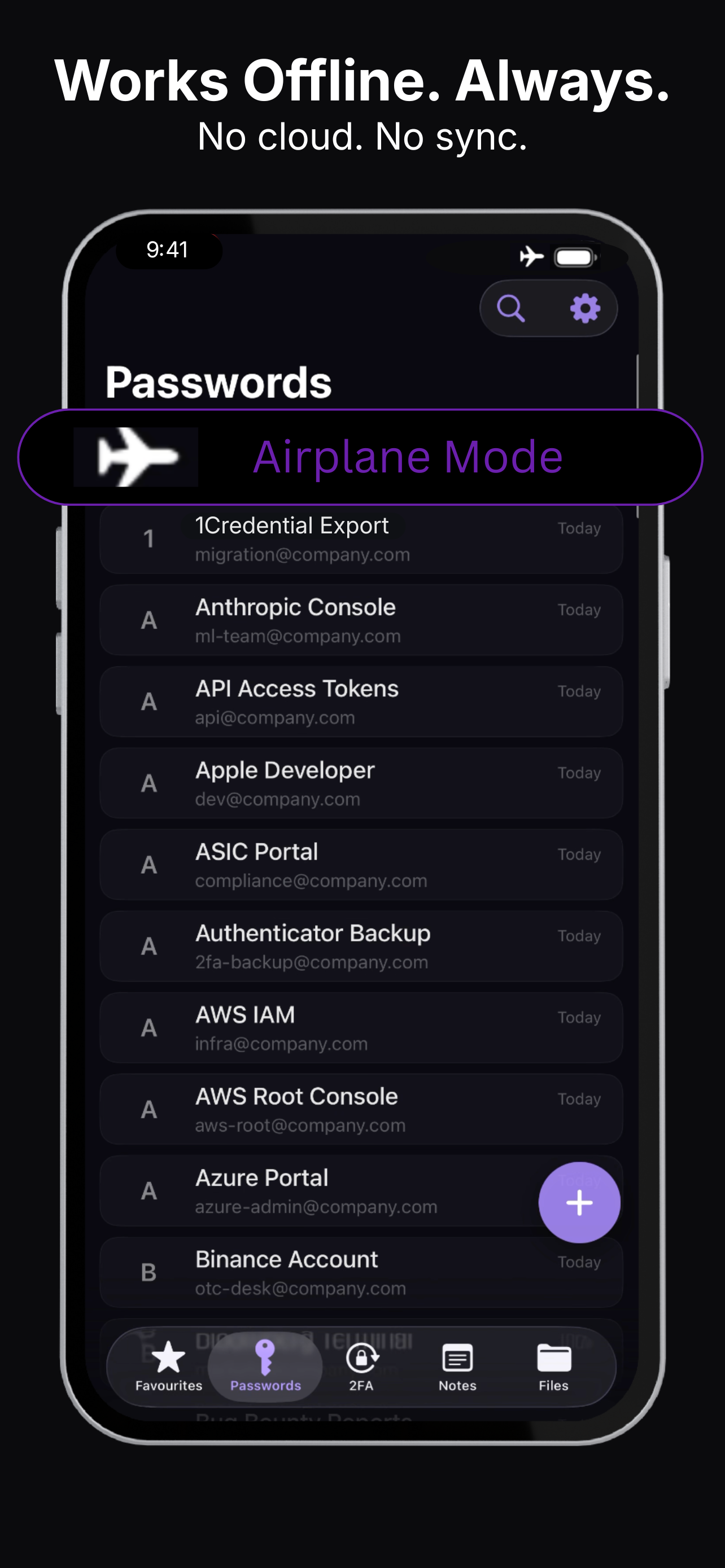
Cloud sync is convenient.
Local-only storage is deliberate.
Most password managers are designed around synchronization. That makes sense for families, teams, browser extensions, desktop apps, and recovery workflows.
An offline password manager makes a different tradeoff: less convenience across devices, but fewer remote systems involved in protecting your secrets.
Offline makes sense when
you want less infrastructure.
Krypt is not trying to be
a team password manager.
Krypt is a local-first private vault for iPhone. It stores passwords, 2FA codes, notes, files, photos, and scans directly on the device.
There is no Krypt account, no cloud sync, and no Krypt server holding your vault. That is the point: fewer moving parts, fewer remote dependencies, and less to breach.
Keep private things private.
Krypt stores passwords, 2FA codes, notes, and files directly on your iPhone — with no account, no cloud, and no sync.