Krypt vs Google Authenticator.
Codes are only
the start.
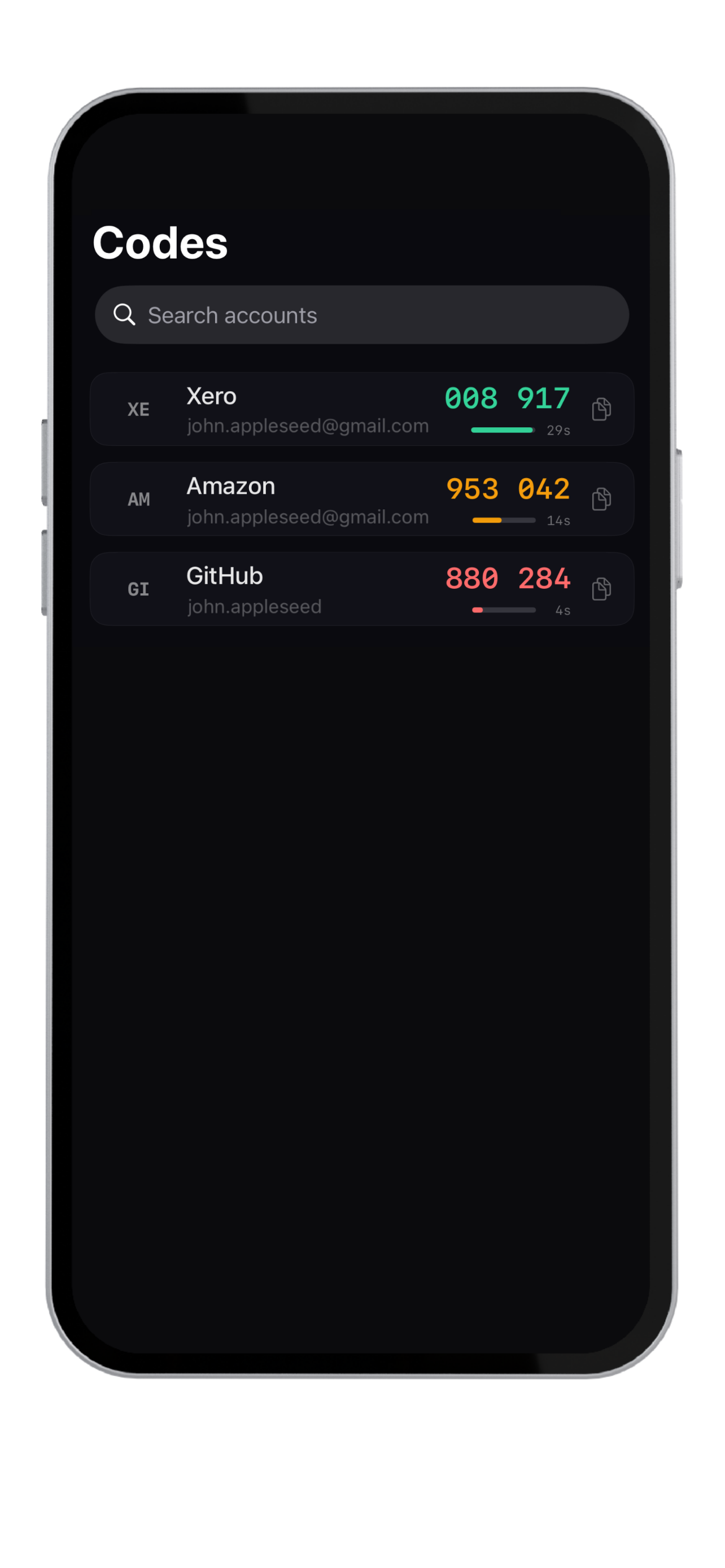
Google Authenticator is simple and familiar for generating 2FA codes. Krypt takes a broader approach: 2FA codes plus passwords, notes, files, scans, and a decoy vault, all inside an offline private iPhone vault.
Best fit
A narrow authenticator
or a broader vault?
Need
Better fit
Why
Simple 2FA code generation
Google Authenticator
A straightforward authenticator experience.
Google ecosystem familiarity
Google Authenticator
Known, widely used, and easy to understand.
2FA plus passwords
Krypt
Codes can live next to related vault items.
Private notes and files
Krypt
Stores more than authentication codes.
No cloud vault account
Krypt
Designed around local-only storage.
Decoy vault
Krypt
Separate vault access via a different PIN.
Where Krypt helps
When codes are connected
to other private context.
A 2FA code is often only one part of a private record. You may also have backup codes, recovery notes, account details, scans, or related documents.
Krypt is useful when you want those pieces together in one encrypted, offline place rather than spread across multiple apps.
Keep private things private.
Krypt stores passwords, 2FA codes, notes, and files directly on your iPhone — with no account, no cloud, and no sync.