Bring your passwords to Krypt.
Import from 1Password, Bitwarden, LastPass, and Proton Pass. How to import →
Your secrets stay
secret — even from us.
Krypt: Offline Private Vault by Epicsoft is an iPhone and iPad app. It is a fully offline encrypted vault for passwords, files, 2FA codes, and notes. No cloud, no sync, no servers. Everything is encrypted on your device with AES-256 and never leaves it. Including a decoy vault that opens with a different PIN — for when "unlock your phone" isn't a request.
No server means
no breach.
Every cloud vault is a target. Krypt removes the target entirely. Your data never touches a server — not ours, not Apple's, not anyone's.
Same app.
Different truth.
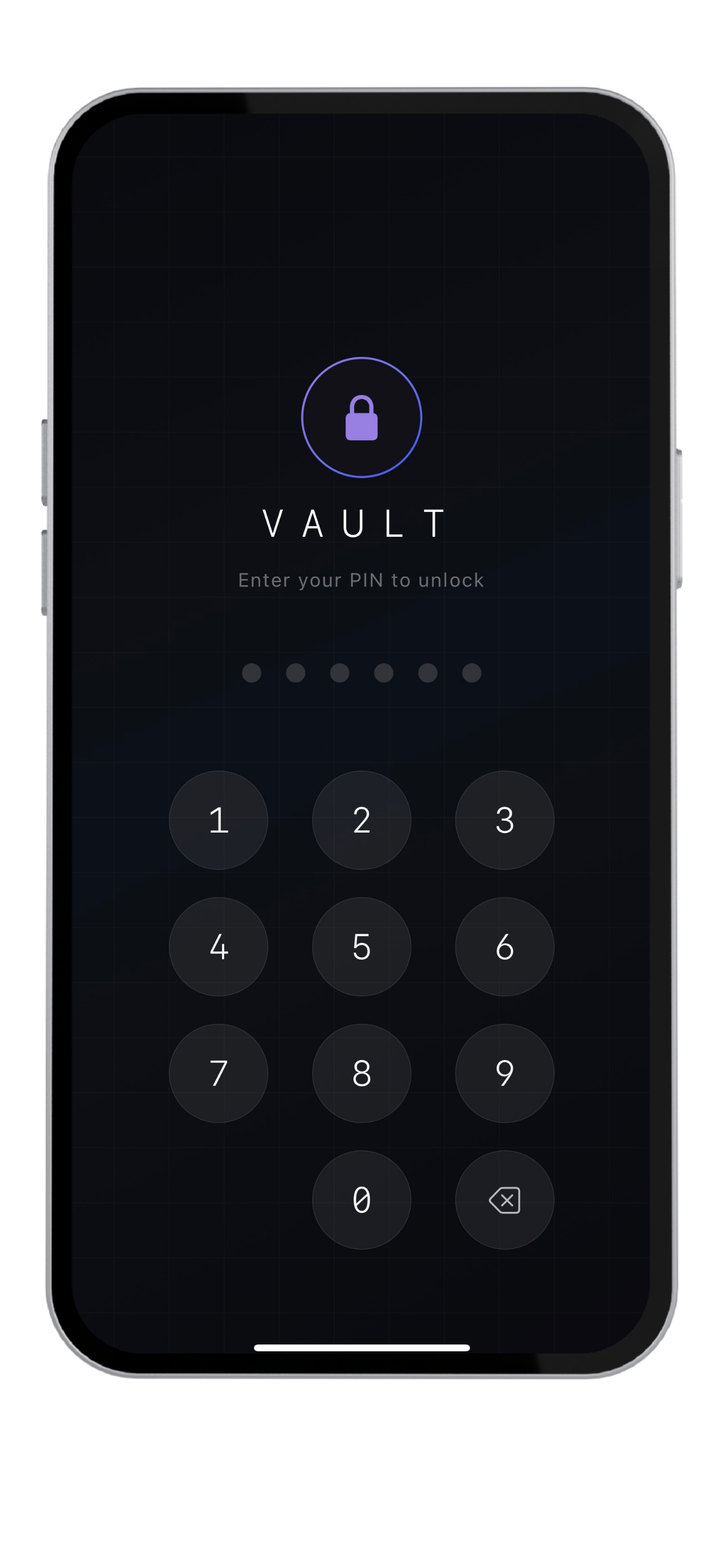
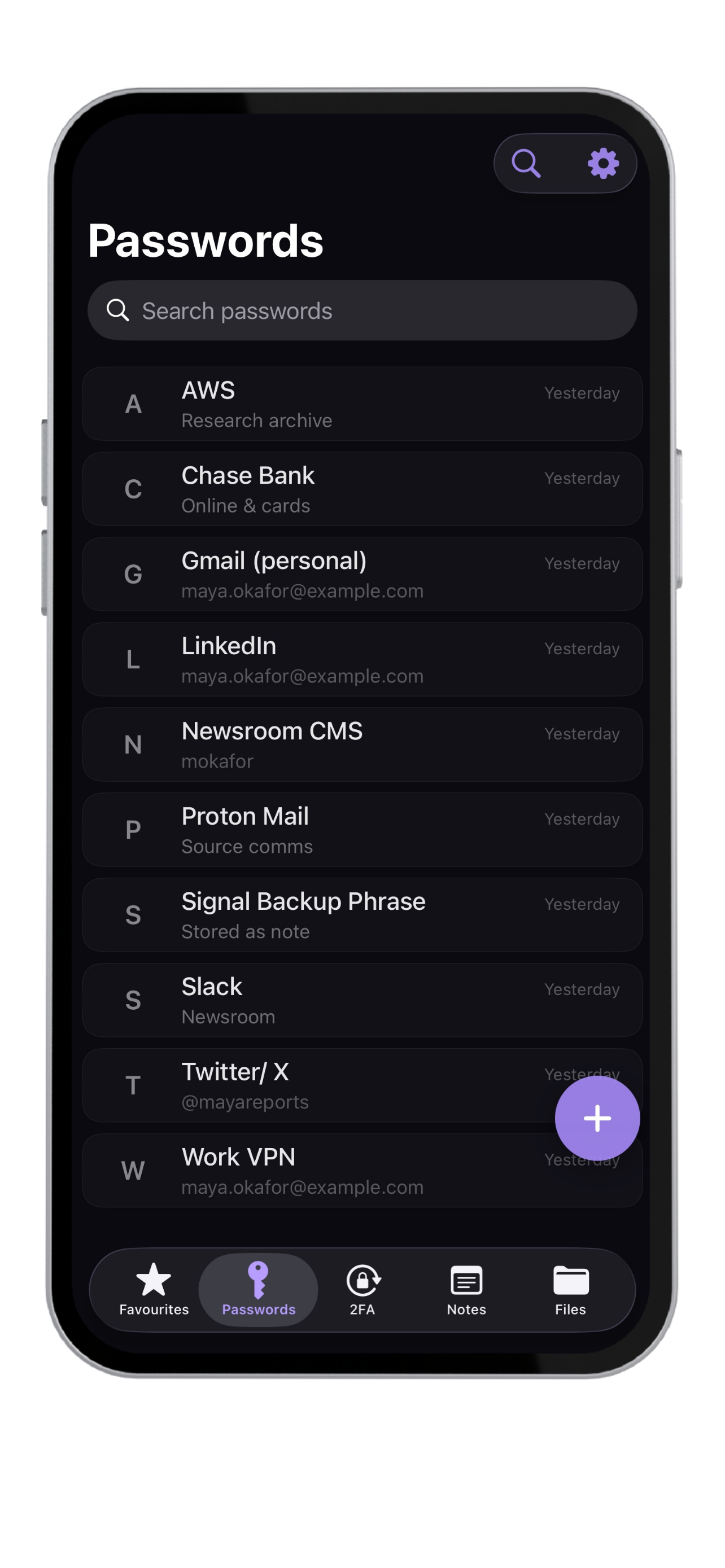
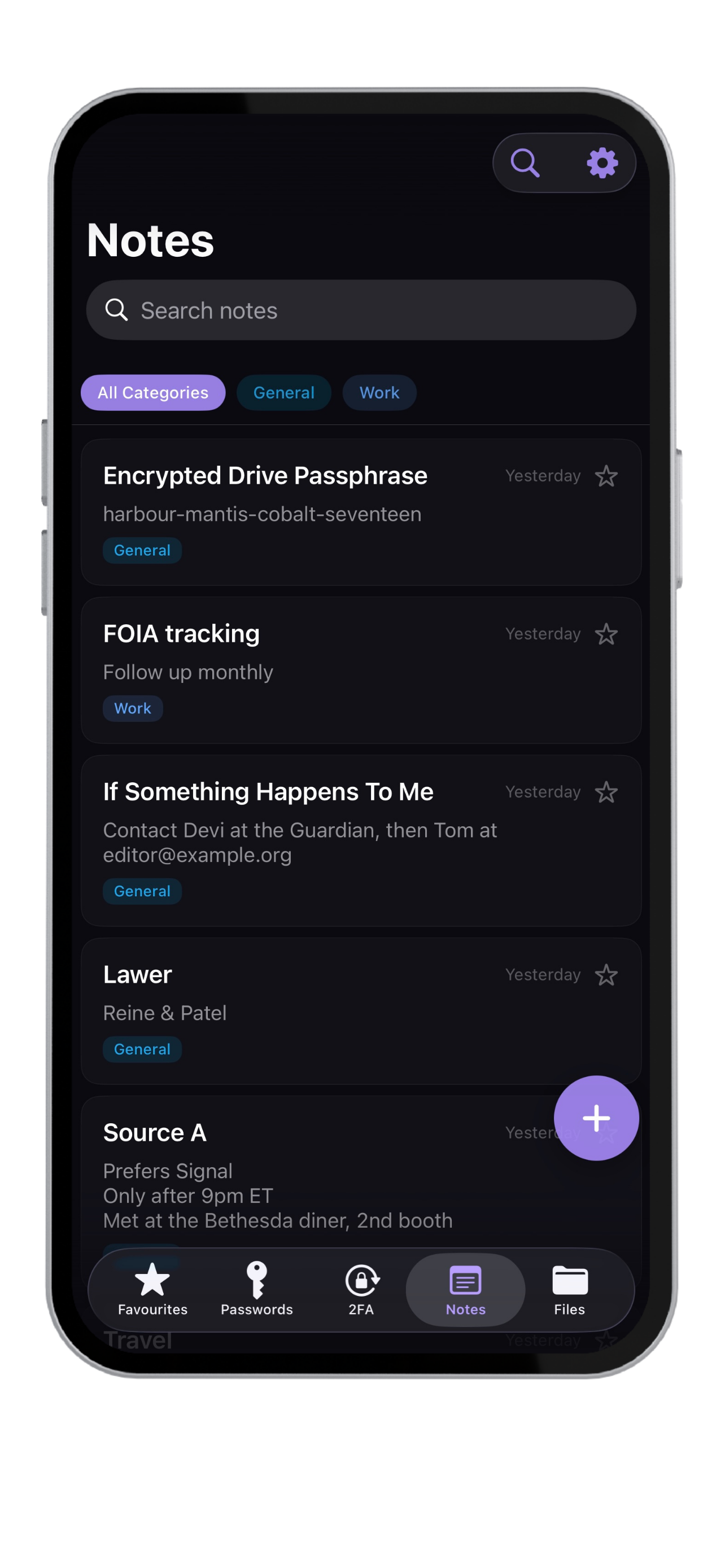
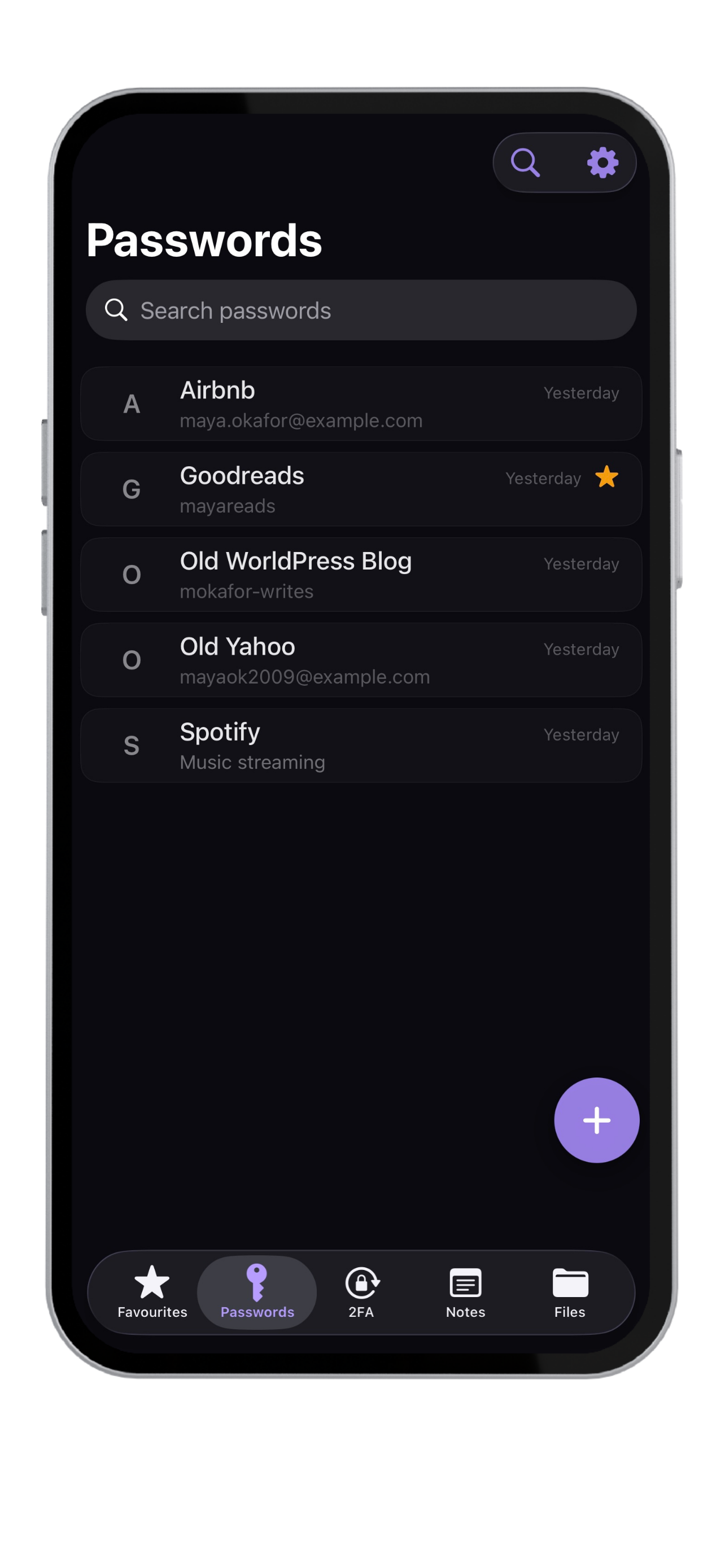
The decoy vault is Krypt's most distinctive feature. One PIN opens your real vault — the other opens a believable fake that looks just as full. The two are visually identical. The real one stays hidden, even when someone is watching.
Built for people who actually read
privacy policies.
Nothing leaves
your device.
Krypt has no servers, no sync, no analytics, no telemetry. We never see your data because there's nowhere for it to go. Even iCloud backups are excluded — encryption keys stay device-bound.
AES-256
encryption.
Authenticated encryption with PBKDF2-SHA256 key derivation at 310,000 iterations. The same standard banks and governments use.
7f3a1b8e c5d9a2f4 e8b3c1d7
2a9f4d8c 1e7b3a5f 9c2e4d1b
6f8a3c1e 4d7b2a9f 3c8e1d5a
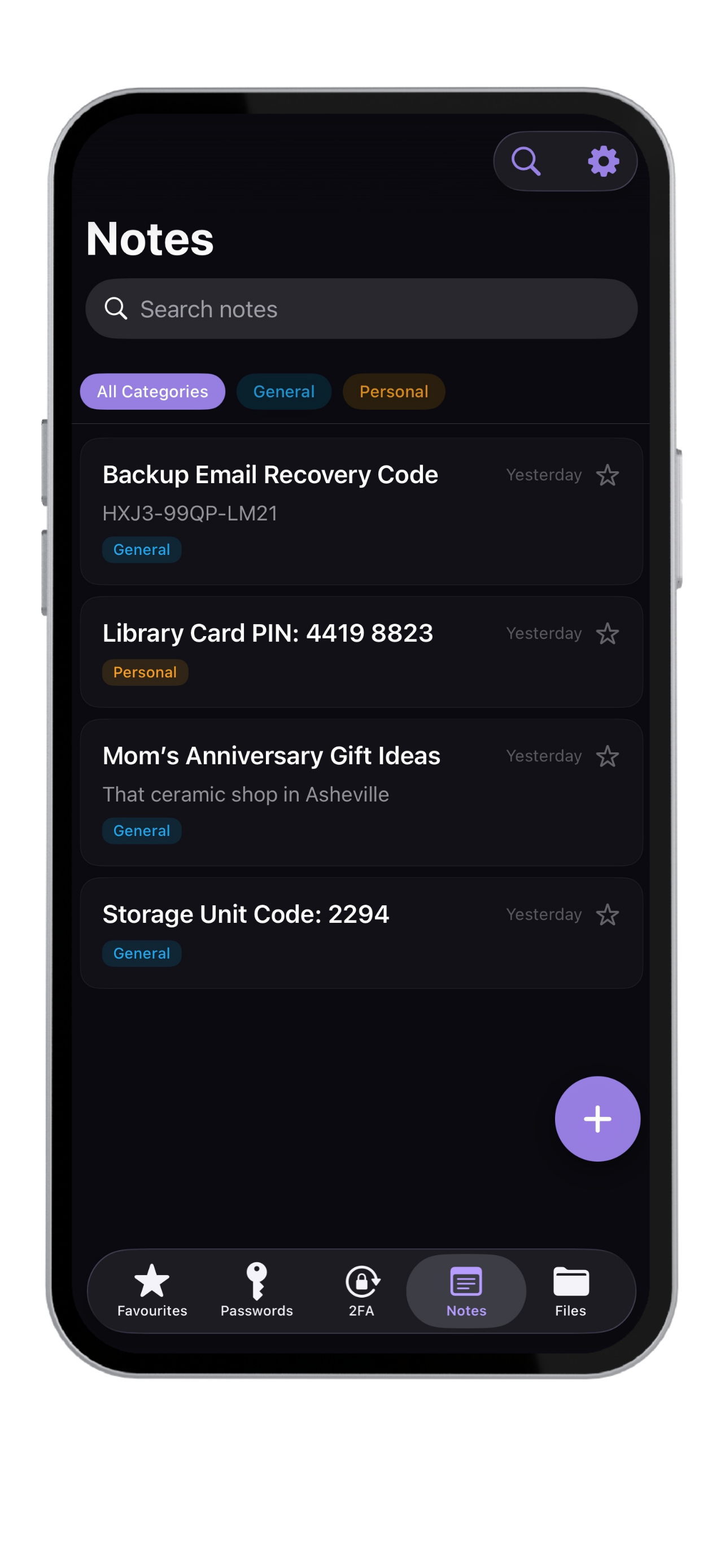
Passwords. Files. 2FA. Notes. One vault.
Stop juggling apps. Krypt holds your passwords, your TOTP codes, your encrypted documents, and your private notes — all behind a single PIN, all encrypted with the same vault key. Import existing data via OTP-auth URI or QR code.
Decoy vault.
A second PIN opens an entirely separate vault that looks just as legitimate. For coercion, border crossings, or peace of mind.
Auto-lock
+ Face ID.
Configurable lockout after inactivity. Face ID for fast unlock when you choose. Increasing penalties for wrong PIN attempts. After 10 failures: total wipe.
Offline by default.
Portable when you need it.
Krypt never syncs automatically. When you want a copy elsewhere, create an encrypted backup and move it yourself. No background uploads. No automatic synchronization. You decide when data moves.
Cloud password managers
keep getting breached.
LastPass. Norton. 23andMe. The list grows every year. The fundamental problem isn't bad implementation — it's that storing your secrets on someone else's servers means trusting that someone else's security forever.
Krypt vs cloud password managers.
See how Krypt compares with popular password managers and authenticator apps — especially if you want local-only storage, no account, no sync, and nothing stored on someone else's server.
Why Krypt is built
as a native iPhone app.
Security software benefits from fewer moving parts. Krypt is built as a small native iOS app instead of a cross-platform bundle — and that choice is part of the privacy story.
Free to start.
Pro when you need it.
- Unlimited passwords, notes, files
- Built-in 2FA authenticator
- Decoy vault for plausible deniability
- Encrypted backup export & import
- Face ID unlock
- Everything in Monthly
- Save $24/year vs monthly
- Priority email support
- 7-day free trial included
- Cancel anytime in Settings
- Everything in Annual, forever
- One-time payment, no renewals
- All future Pro features included
- Pay once, own forever
- Best long-term value
All prices in USD. Local currency conversion handled by the App Store.
Some honest answers.
If you've exported a backup to iCloud Drive, AirDrop or another location, you can restore it on a new device with your backup password. If you haven't, the data is gone — encryption keys are device-bound and never sync. Krypt always nudges you to create a backup after your first valuable item is added.
There is no recovery option, by design. After 10 wrong PIN attempts the vault wipes itself. This is the trade-off for genuine offline-first security — there's no "forgot password" link because there's no server to ask. Use a PIN you'll remember and back up your vault regularly.
Two separate apps are visible on your home screen — anyone looking can see both exist. Krypt's decoy lives inside the same app, accessed by a different PIN. From the outside there's only one app, with one icon, that opens to one vault. The fact that a second vault even exists is invisible.
No. We have no servers receiving your data, no analytics, no telemetry, no crash reporting that includes user content. Krypt has no internet permission at all — you can verify this in iOS Settings → Krypt. The encryption happens on your device with keys we never see.
Your data stays exactly where it is — on your device. Even if the app is removed from the App Store, the existing install continues to work. Export an encrypted backup anytime to keep a portable copy. Your vault doesn't depend on us being around.
kryptprivacy.com is the official website of Krypt: Offline Private Vault, the iPhone and iPad app developed by Epic Software Pty Ltd and distributed through Apple’s App Store.
Yes. The free tier includes up to 10 passwords, 10 notes, 10 files, and 1 authenticator account, all protected by Krypt’s local encryption. Upgrade for higher limits and additional Pro features.