Krypt vs 1Password.
One syncs everywhere.
One stays here.
1Password is built for people who want polished password management across devices, browsers, families, and teams. Krypt is for people who want a private iPhone vault that does not require an account, cloud sync, or remote storage.
Best fit
Choose the vault that matches
your privacy workflow.
Need
Better fit
Why
Multi-device password sync
1Password
Designed around account-based access across devices.
Browser extensions and autofill
1Password
Better suited to desktop browser workflows.
Families and teams
1Password
Built for shared vaults, permissions, and account management.
One private iPhone vault
Krypt
Designed to store sensitive items locally on one phone.
No account required
Krypt
No email login or remote user profile needed.
Files, scans, notes, passwords, and 2FA together
Krypt
Krypt is more of a private vault than only a password manager.
Real and decoy vaults
Krypt
Separate PINs can open separate vaults.
The honest answer
1Password is powerful.
Krypt is narrower on purpose.
If you need passwords on every device, browser extensions, family sharing, team administration, or a mature account-based password manager, 1Password is the more complete choice.
Krypt is built for a different job: keeping private things on one iPhone with fewer dependencies. No account. No sync engine. No cloud vault to manage.
Switching from 1Password? Import your passwords →
Why Krypt exists
Not every secret needs
to travel everywhere.
No cloud syncPrivate vault data is not built around remote synchronization.
No accountOpen Krypt without creating another identity layer.
Private filesStore scans, PDFs, photos, notes, and sensitive documents.
Built-in 2FAKeep TOTP codes close to your vault data.
Decoy vaultUse a different PIN to open a different vault.
iPhone-firstFocused on local mobile privacy, not enterprise administration.
Keep private things private.
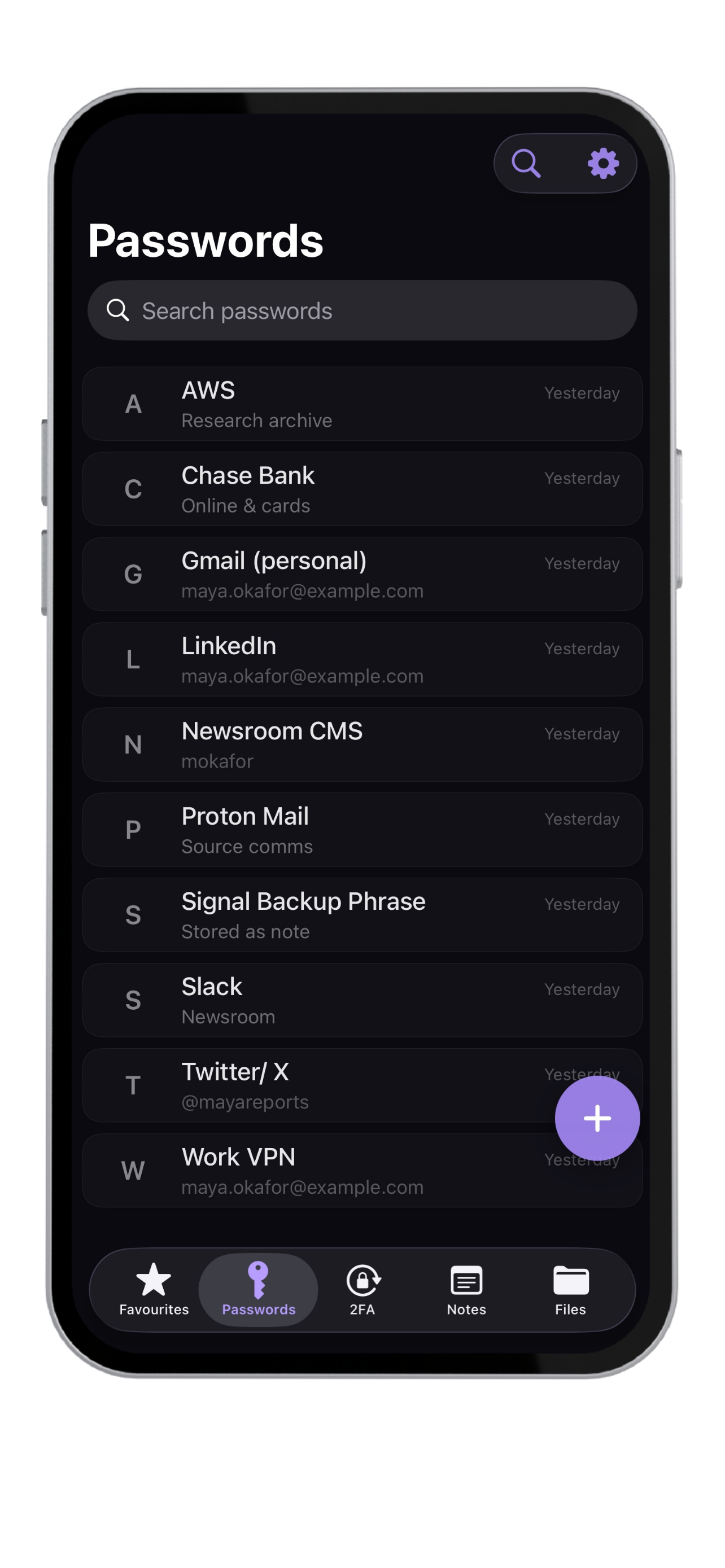
Krypt stores passwords, 2FA codes, notes, and files directly on your iPhone — with no account, no cloud, and no sync.