Offline by default.
Portable when you need it.
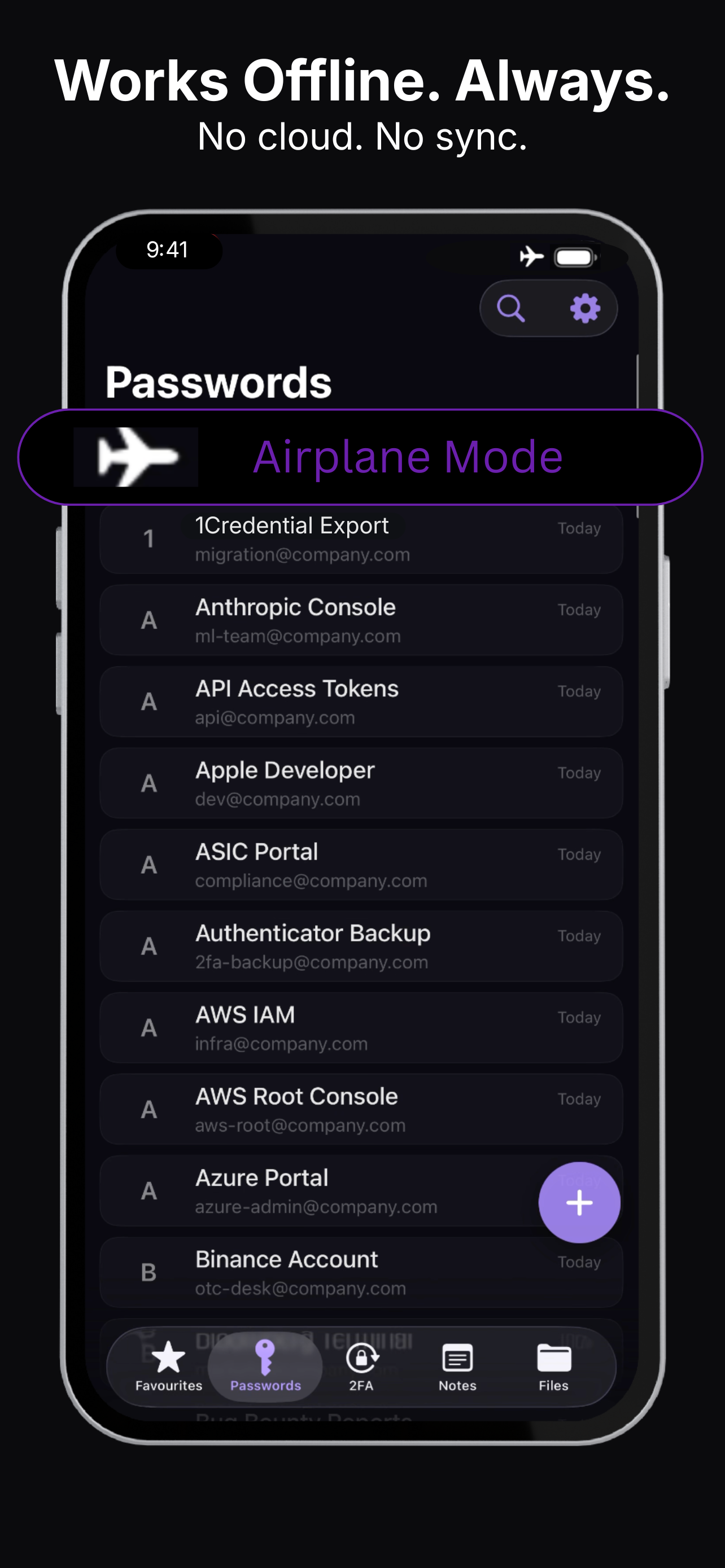
Krypt is designed around a simple idea: your vault should not move unless you choose to move it. There is no automatic cloud sync, no background upload, and no account that quietly connects your secrets to a remote service.
Cloud-first apps move data
for convenience.
Most modern password managers are built around sync. Create an item on one device and it can appear on another device automatically.
That is useful. It is also a different privacy model. Your vault needs an account, a server-side presence, sync infrastructure, and copies that may exist outside the original device.
For many people, that tradeoff is worth it. For others, the point of a private vault is that it stays local unless they explicitly decide otherwise.
You control when
data moves.
An encrypted copy is not
cloud synchronization.
There is a big difference between a vault that continuously syncs and a vault that can be exported as an encrypted backup.
Sync is automatic. Backup transfer is deliberate.
With Krypt, creating an encrypted copy is an action you take at a point in time. You decide when it happens, where the file goes, and whether another device should import it.
No background uploads. No automatic synchronization. No server-side vault. You control when data moves.
Who this model
is for.
- People who use one iPhone as their primary private vault
- People who do not want a cloud account for passwords, 2FA codes, notes, and files
- People who prefer manual encrypted backups over background synchronization
- People who want portability without giving up local-first control
Keep your vault local.
Move it only when you choose.
Krypt is an offline private vault for iPhone. No cloud sync. No account. Manual encrypted backup when you need portability.