Krypt vs Proton Pass.
Both care about privacy.
They draw the line differently.
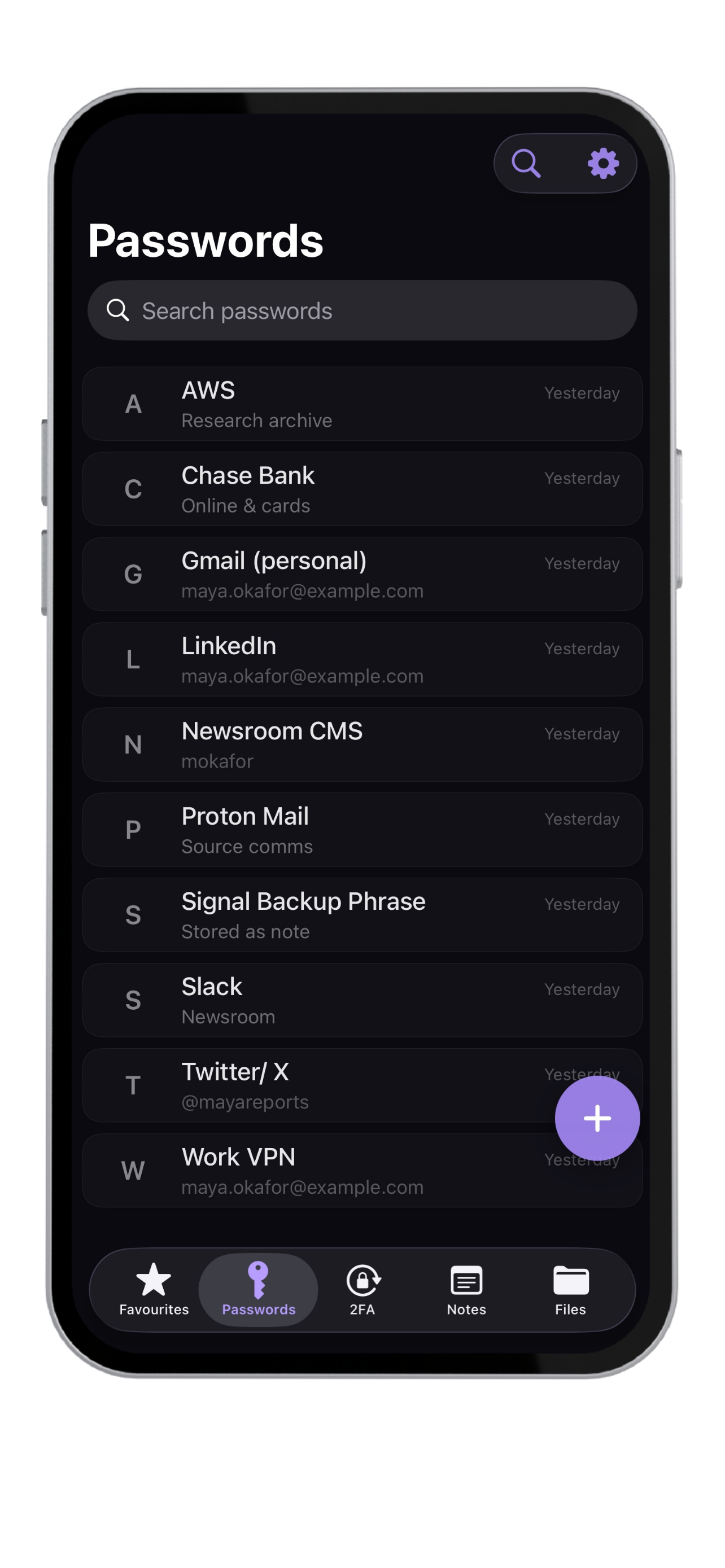
Proton Pass is a privacy-focused password manager for people who want encrypted sync inside the Proton ecosystem. Krypt is for people who want sensitive data to stay local on their iPhone without an account or cloud vault.
Best fit
Privacy can mean sync.
Or it can mean local.
Need
Better fit
Why
Encrypted sync across devices
Proton Pass
Built around cloud sync and Proton account access.
Privacy ecosystem
Proton Pass
Works best when you already use Proton services.
Desktop and browser password workflow
Proton Pass
Better fit for regular browser-based password management.
No account required
Krypt
No signup, email login, or remote profile.
No cloud vault
Krypt
Designed so vault data stays on the iPhone.
Private files and scans
Krypt
Stores more than credentials: notes, PDFs, photos, scans, and files.
Decoy vault
Krypt
Separate PINs can open separate real and decoy vaults.
The honest answer
Proton Pass is private cloud.
Krypt is offline privacy.
Proton Pass makes sense if you want an encrypted password manager that follows you across devices and fits into a broader privacy ecosystem.
Krypt is intentionally smaller. It is built for people who do not want another cloud account involved in their private vault at all.
Switching from Proton Pass? Import your passwords →
Why Krypt exists
Sometimes the cleanest server
is no server at all.
No cloudThere is no server-side vault for Krypt to operate.
No sync accountNothing to register before storing private data.
Built-in 2FAStore authentication codes alongside vault items.
Private documentsKeep scans, photos, PDFs, notes, and files in one local vault.
Decoy PINA separate PIN can reveal a separate vault.
iPhone local-firstMade for private storage on one device.
Keep private things private.
Krypt stores passwords, 2FA codes, notes, and files directly on your iPhone — with no account, no cloud, and no sync.