Nothing to breach.
The safest server
is the one that doesn't exist.
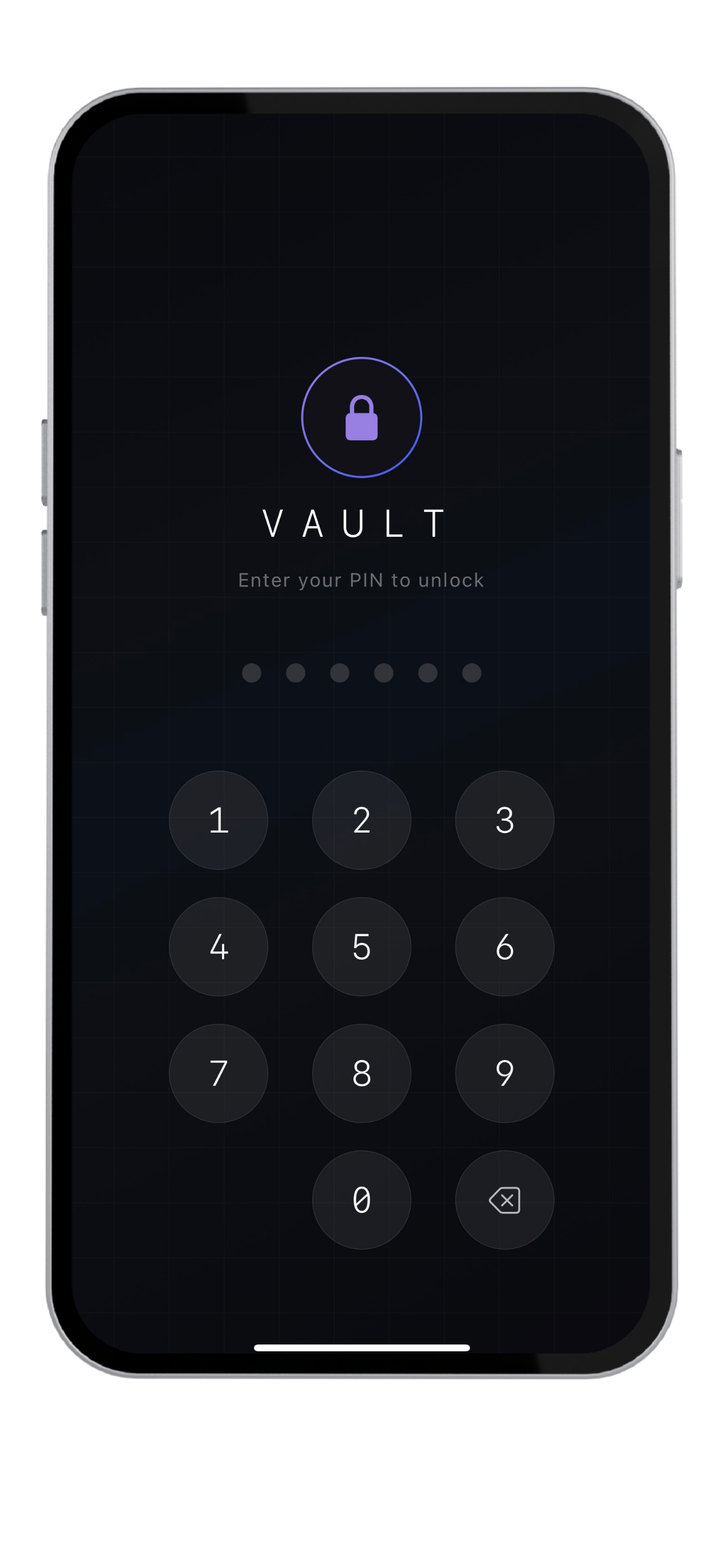
Most apps talk about encryption after your data has already left your device. Krypt starts earlier: your vault is designed to stay on your iPhone in the first place.
Security starts with
what you choose not to collect.
A cloud service can be encrypted, hardened, audited, and monitored — and still remain a valuable target because it stores user data or account metadata.
Krypt removes that category of risk by not operating a cloud vault service. There is no Krypt cloud database containing your passwords, notes, files, or 2FA codes.
No cloud vault.
No sync service.
No remote account.
Nothing to breach does not mean
nothing to protect.
Offline storage shifts responsibility toward the device owner. You still need a strong PIN, device security, careful backup handling, and good operational habits.
The advantage is that your threat model becomes simpler. You are protecting one iPhone and your encrypted backups, not a cloud account plus a sync infrastructure plus a remote vault database.
Keep private things private.
Krypt stores passwords, 2FA codes, notes, and files directly on your iPhone — with no account, no cloud, and no sync.