Privacy guides.
Offline storage.
Local vaults.
A small library of plain-English guides for people comparing password managers, authenticator apps, local-only storage, and cloud-free privacy tools.
Resource library
Evergreen pages for
offline privacy.
Native iOS vs Cross-Platform Security AppsWhy Krypt is built as a small native iPhone app instead of a cross-platform bundle.
Why Some People Choose an Offline Password ManagerFor people who want a password vault without cloud sync, accounts, or remote servers.How to Use Password AutoFill with KryptEnable Krypt on iPhone and fill passwords in Safari and supported apps while keeping the vault offline.
Local-First PrivacyOffline by default. Portable when you need it. Control when data moves.
Nothing to BreachThe security angle behind local-only storage: no server, no account database, no cloud vault.
No Account RequiredWhy skipping accounts can be a privacy feature.
Two Vaults, One PhoneHow Krypt's real and decoy vaults work, and why a second PIN is different from a second app.
Comparisons
Krypt against
popular alternatives.
Krypt vs BitwardenCloud password manager vs local-only iPhone vault.
Krypt vs 1PasswordCloud password manager vs offline iPhone vault.
Krypt vs Proton PassEncrypted cloud sync vs no-account local storage.
Krypt vs KeePassLocal database workflow vs native iPhone vault.
Krypt vs Apple PasswordsSystem credential storage vs a separate private vault.
Krypt vs Authy2FA sync app vs offline vault with built-in codes.
Krypt vs Google AuthenticatorAuthenticator app vs vault with passwords, files, notes, and 2FA.
Keep private things private.
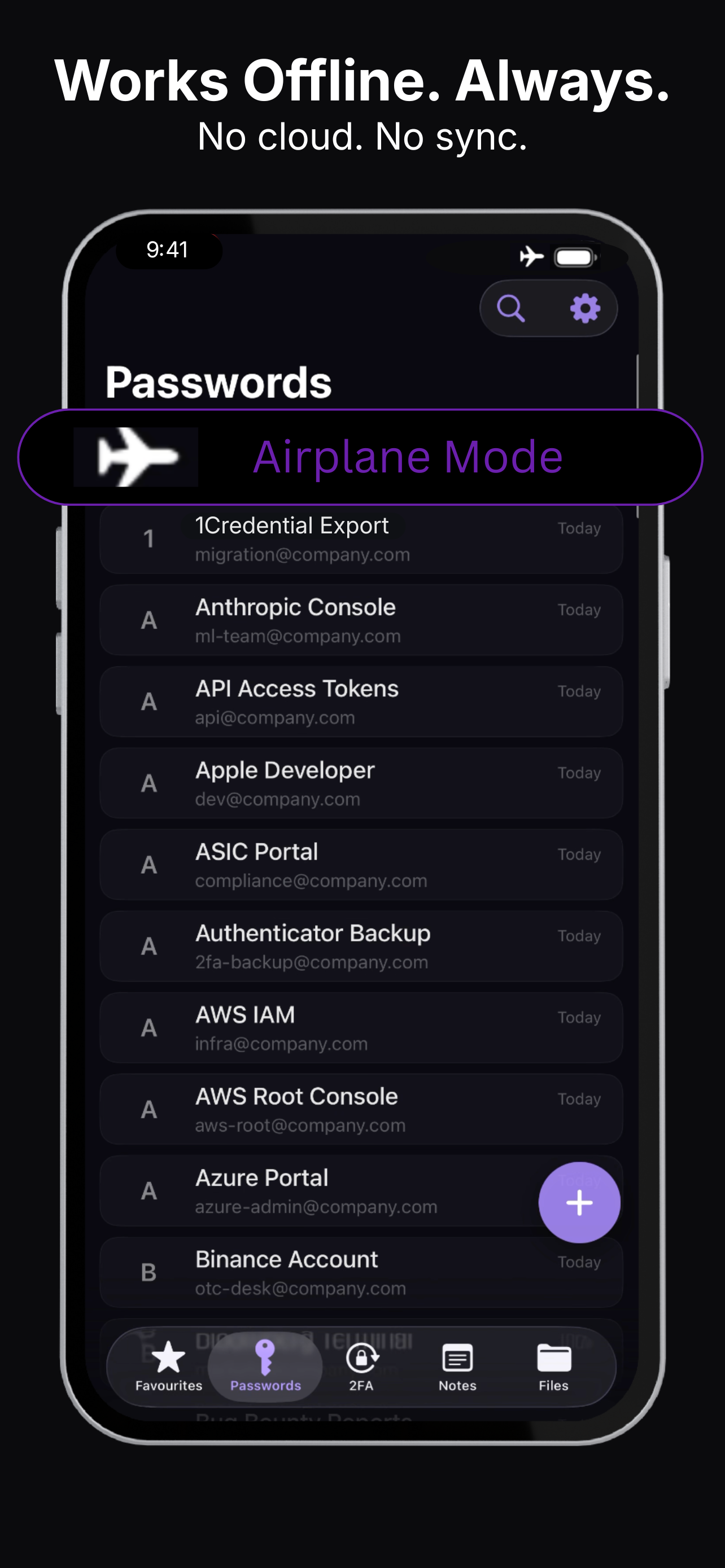
Krypt stores passwords, 2FA codes, notes, and files directly on your iPhone — with no account, no cloud, and no sync.
New: Krypt Security model.
See how Krypt uses AES-256-GCM encryption, PBKDF2-SHA256 key derivation, Apple Keychain storage, and a no-cloud architecture. Read the Krypt Security page →