Native iPhone app.
Not a cross-platform bundle.
Krypt was built specifically for iPhone rather than wrapped in a cross-platform framework. For a private vault, that choice is not cosmetic — it affects size, dependencies, performance, and how directly the app can work with iOS security features.
Cross-platform is convenient.
Native is deliberate.
Cross-platform frameworks can be a smart choice for many products. They help teams ship one codebase to multiple platforms, move quickly, and reach more devices.
Krypt has a narrower goal: protect private data on iPhone with as little unnecessary machinery as possible. That made native iOS development the better fit.
For security tools,
smaller can be a feature.
Complexity is not free
when the app stores secrets.
In security software, the question is not only what features an app has. It is also how much code, tooling, dependency surface, and update surface sits between the user and their data.
A larger app is not automatically unsafe, and a smaller app is not automatically secure. But when two approaches can solve the same problem, the simpler one is often easier to reason about, audit, maintain, and explain.
Built for the platform
where the vault lives.
A private vault should not
feel like a freight train.
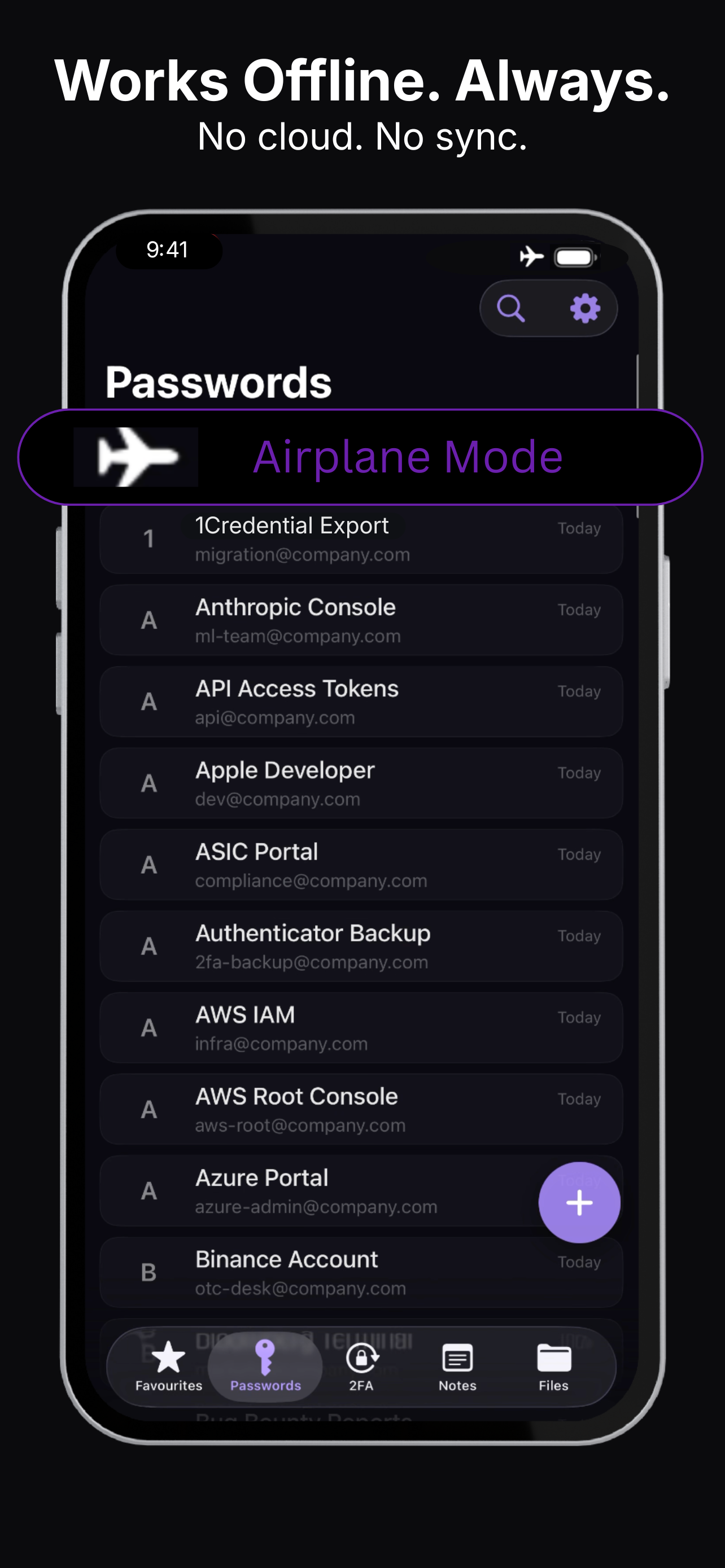
Krypt is built around the idea that an offline vault can be small, focused, and easy to understand: passwords, 2FA codes, notes, photos, scans, and files stored locally on the device.
When a privacy app ships with a very large binary, it may still be legitimate software. But it also raises a fair question: how much extra framework, runtime, and cross-platform baggage is being carried just to protect data on one phone?
Cross-platform still makes sense
for many apps.
This is not a universal argument against cross-platform development. For social apps, dashboards, marketplaces, internal tools, and many business products, sharing code across platforms can be practical and sensible.
But Krypt is not trying to be everything on every device. It is an offline private vault for iPhone. That narrower promise lets the app optimize for native behavior, local storage, and lower complexity.
No cloud. No account.
No unnecessary platform layer.
Krypt stores private data locally on your iPhone. There is no Krypt account, no Krypt cloud, and no Krypt server holding your vault.
The native iOS choice follows the same philosophy: keep the architecture smaller, keep the data local, and remove moving parts that do not need to exist.
Keep private things private.
Krypt stores passwords, 2FA codes, notes, and files directly on your iPhone — with no account, no cloud, and no sync.