Krypt vs Authy.
Authenticator app
or private vault?
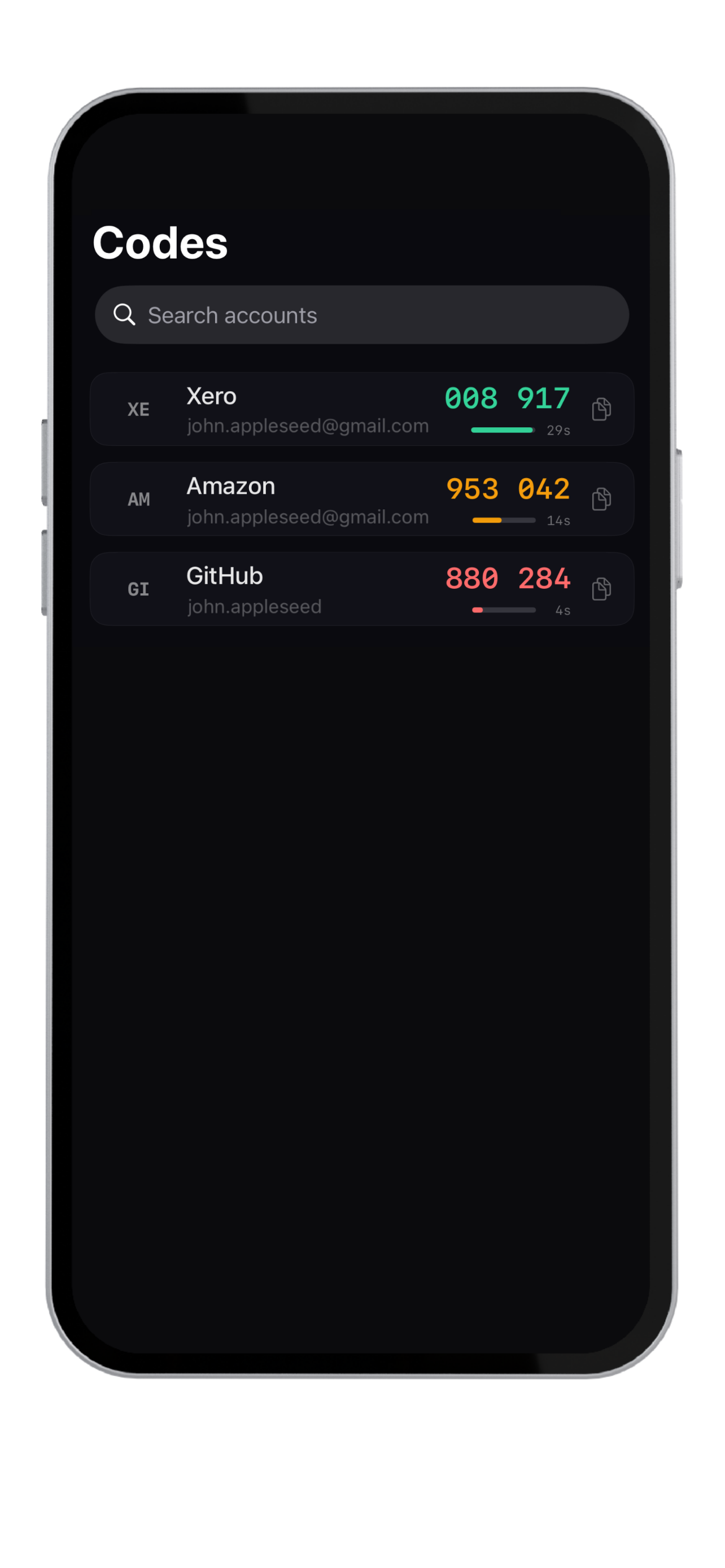
Authy focuses on two-factor authentication. Krypt includes built-in 2FA codes, but also stores passwords, notes, files, photos, scans, and PDFs in the same offline vault.
The difference
Authy is for codes.
Krypt is for secrets.
Need
Better fit
Why
Dedicated authenticator app
Authy
Focused specifically on authentication codes.
Cloud backup and multi-device recovery
Authy
Designed around backup and account-based recovery.
2FA without extra apps
Krypt
Codes live inside the same private vault as passwords.
No account required
Krypt
Krypt does not require a cloud login to store vault data.
Passwords + notes + files
Krypt
Broader private storage beyond authentication codes.
Decoy vault
Krypt
A second PIN can open a separate vault.
Why combine 2FA and vault storage?
Sometimes the problem is not codes.
It is app sprawl.
Many users keep passwords in one app, 2FA codes in another, private notes somewhere else, and documents in yet another place. Krypt reduces that sprawl by keeping several private categories inside one local vault.
That does not make Krypt the right tool for everyone. If you want a dedicated authenticator with cloud account recovery, Authy may still fit better.
Keep private things private.
Krypt stores passwords, 2FA codes, notes, and files directly on your iPhone — with no account, no cloud, and no sync.