Krypt vs Apple Passwords.
Apple handles logins.
Krypt holds private things.
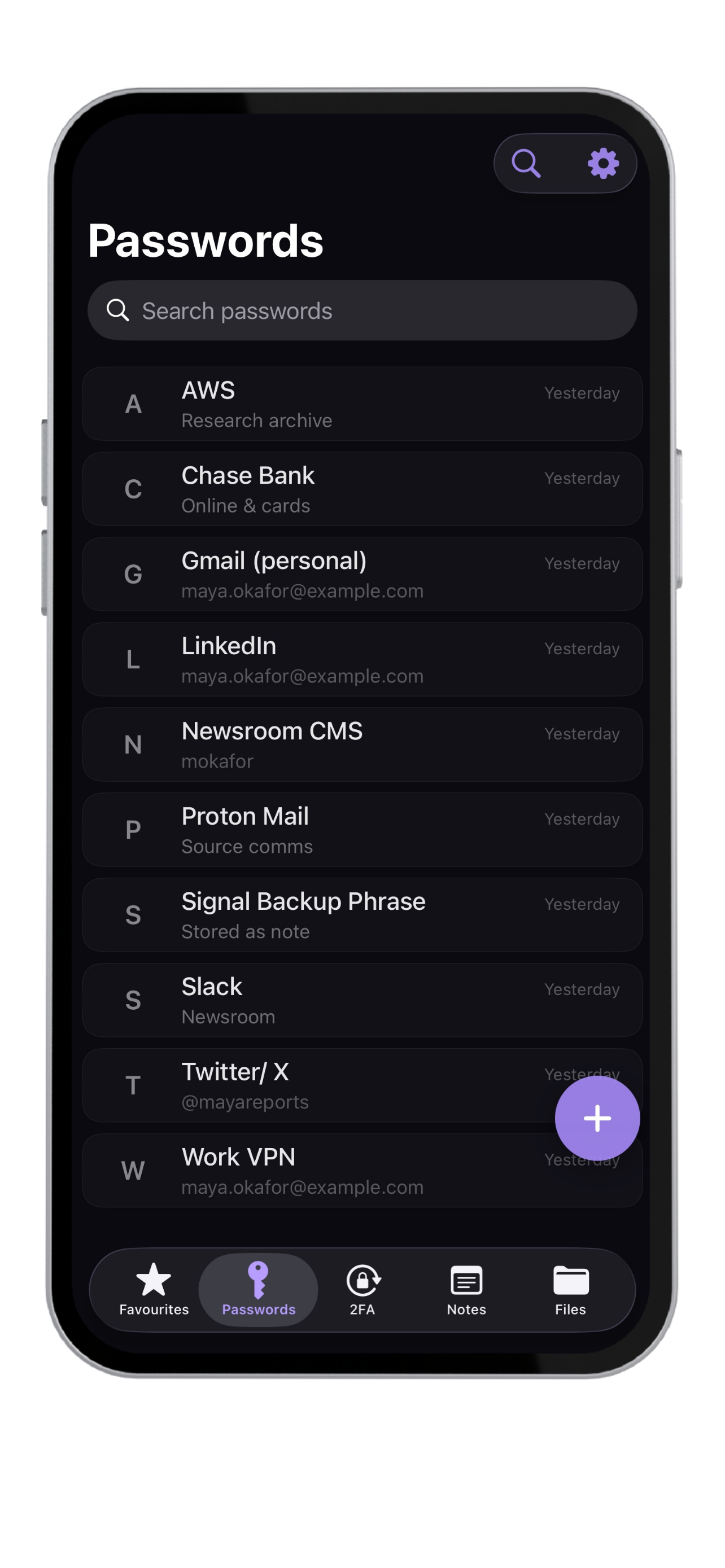
Apple Passwords is convenient for credentials inside the Apple ecosystem. Krypt is a separate offline vault for people who want to store passwords, notes, files, scans, PDFs, photos, and 2FA codes locally on iPhone.
Best fit
Use Apple for convenience.
Use Krypt for a separate vault.
Need
Better fit
Why
Built-in Apple ecosystem login storage
Apple Passwords
Convenient for credentials and passkeys across Apple devices.
System autofill convenience
Apple Passwords
Tightly integrated with iOS and Safari.
Separate private vault app
Krypt
Designed as a dedicated vault, separate from system credential storage.
Store notes, files, scans, PDFs, and photos
Krypt
Krypt stores more than website logins.
No cloud sync model
Krypt
Krypt is designed around local-only storage on the device.
Real and decoy vaults
Krypt
Separate PINs can open different vaults.
Private 2FA codes beside vault data
Krypt
Krypt can keep TOTP codes with other sensitive items.
The honest answer
Apple Passwords is convenient.
Krypt is more deliberate.
Apple Passwords is the natural fit for everyday credentials if you want the default Apple experience and seamless autofill.
Krypt is not trying to be the system password manager. It is for private material that you want separated into a local vault: documents, notes, scans, files, 2FA codes, and passwords that should not live everywhere.
Why Krypt exists
Some private things deserve
their own room.
Separate vaultKeep sensitive items away from general credential storage.
No accountNo signup or remote profile required.
Private filesStore PDFs, scans, photos, files, and notes.
Built-in 2FAKeep authentication codes in the same private vault.
Decoy PINDifferent PINs can open different vaults.
Offline-firstDesigned for local storage on iPhone.
Keep private things private.
Krypt stores passwords, 2FA codes, notes, and files directly on your iPhone — with no account, no cloud, and no sync.