No account
required.
Most password managers begin with an account. Krypt starts with your iPhone. Create a vault, set a PIN, and store passwords, 2FA codes, notes, and files without signing up for a remote service.
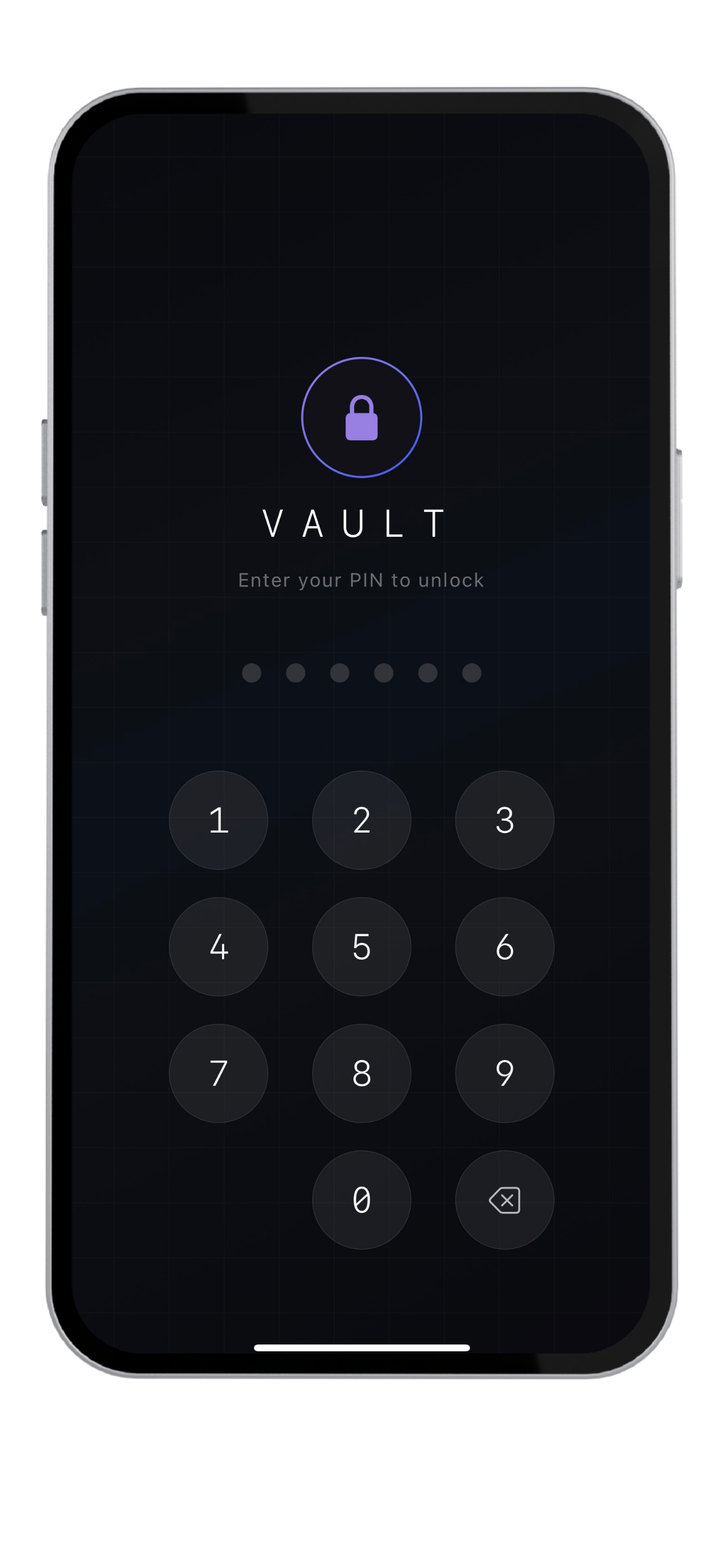
Accounts make cloud apps
more convenient.
Cloud password managers usually need accounts because they synchronize data across devices, manage subscriptions, provide recovery flows, and keep a server-side relationship with the user.
That model can be useful. It helps people access their vault from laptops, tablets, browsers, and shared family or team accounts.
But an account also creates another thing to protect: a login, an email identity, recovery systems, account metadata, and a remote database that must exist somewhere.
Your vault starts
on your device.
No account also means
no account recovery.
This is the honest tradeoff. If Krypt does not have your account, your login, or your vault on a server, Krypt cannot reset your vault from a remote help desk.
That is not an accident. It is part of the privacy model. Krypt is designed for people who prefer local control over remote recovery.
For portability, Krypt uses manual encrypted backups rather than automatic cloud synchronization. You decide when a copy is created and where it goes.
Who wants a password manager
without an account?
- People who do not want to sign up before storing private information
- People who want passwords, 2FA codes, notes, and files kept locally on one iPhone
- People who prefer manual encrypted backups over automatic cloud sync
- People who want fewer remote systems connected to their secrets
Start with a vault.
Not an account.
Krypt stores passwords, 2FA codes, notes, and files directly on your iPhone — with no signup, no cloud sync, and no remote account database.