Krypt vs Bitwarden.
Both are good.
They solve different problems.
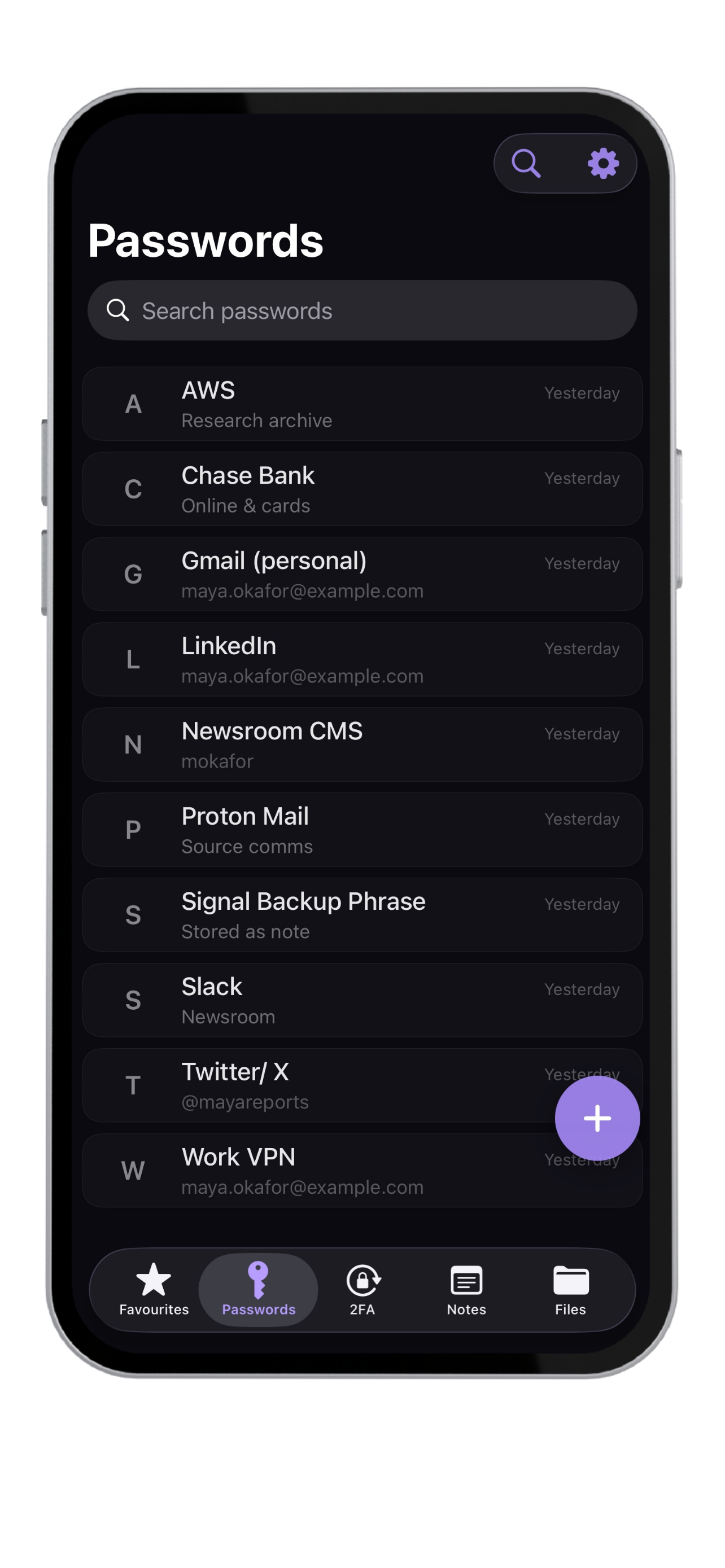
Bitwarden is a strong password manager when you need sync, browser access, sharing, teams, or self-hosting. Krypt is for people who specifically want a private iPhone vault without cloud sync or an account.
Use the tool that matches
your actual threat model.
Bitwarden is not the enemy.
Complexity is.
For many users, Bitwarden is the right choice. If you need sync across desktop and mobile, sharing, emergency access, browser extensions, or organization features, Krypt is not trying to replace that.
Krypt exists for the opposite user: someone who does not want to run a server, does not want a cloud vault, and only needs a secure local place on their iPhone.
Switching from Bitwarden? Import your passwords →
Some people want
fewer moving parts.
Keep private things private.
Krypt stores passwords, 2FA codes, notes, and files directly on your iPhone — with no account, no cloud, and no sync.