Why AutoFill doesn't
work in every app.
Krypt supports Apple's Password AutoFill framework, but the final experience also depends on how each website or app identifies and handles its login fields.
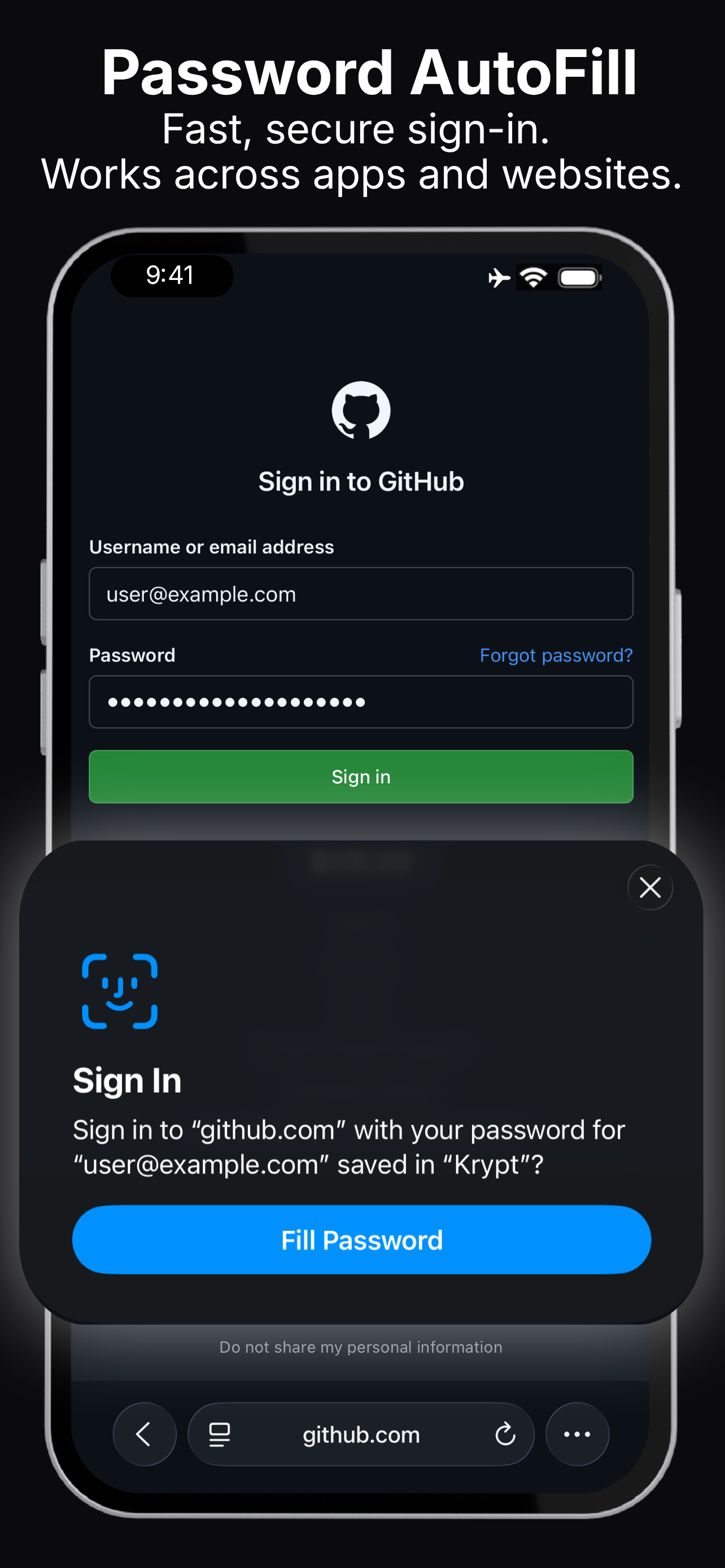
AutoFill is a
shared system.
A password manager does not decide by itself when a suggestion appears. Password AutoFill only works when three parts of the system cooperate:
The website or app identifies its username and password fields correctly.
iOS recognises those fields and asks enabled password providers for matching credentials.
Krypt returns eligible credentials through Apple's Password AutoFill framework.
If one part of that chain is missing or implemented differently, the suggestion may not appear even though Krypt is configured correctly.
Why Safari may work
when an app doesn't.
If the same credential appears in Safari but not inside a native app, that usually points to the app's login-screen implementation rather than a problem with Krypt.
Different apps support
different behaviour.
A new password field
isn't always recognised as new.
During a password change, an app may correctly recognise the existing-password field but fail to mark the replacement fields as new-password fields.
When that happens, iOS may continue showing the existing saved credential instead of offering a generated password or a clear update flow.
If you enter the new password manually, Krypt may not receive an update request until the next successful sign-in, when iOS can detect that the saved credential no longer matches.
When AutoFill
does not appear.
Common questions.
Does Krypt support Password AutoFill?
Yes. Krypt integrates with Apple's Password AutoFill framework and can provide credentials to Safari and compatible iPhone apps.
Why does AutoFill work on a website but not in its app?
The website and native app use different login interfaces. Safari may recognise the website correctly while the app does not expose its fields to iOS in the same way.
Can Krypt fix an unsupported app?
No. Krypt can respond when iOS requests credentials, but it cannot change another app's login screen or force iOS to recognise its fields.
Why wasn't a changed password saved immediately?
The app may not have identified the new-password fields correctly. iOS may offer to update the saved credential after the next successful login instead.
Fill passwords.
Keep them local.
Krypt is an offline private vault for iPhone with optional Password AutoFill.